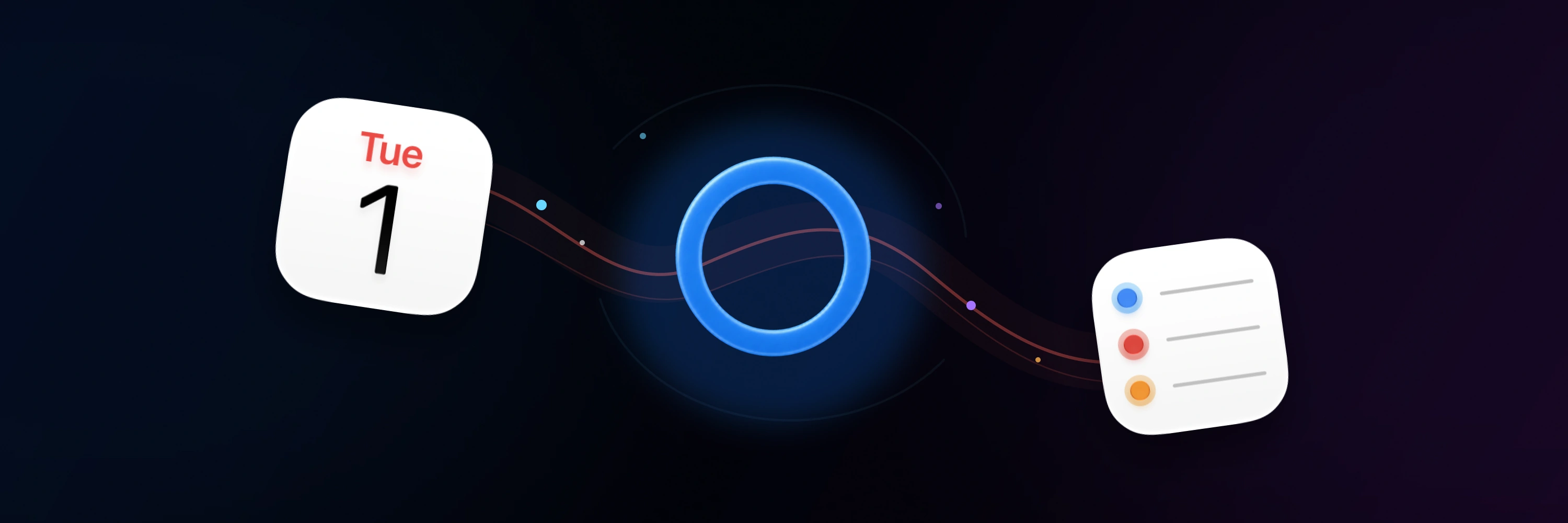
Turn a screenshot into a plan.
Share an invitation, photo, or supported file. Ask Oriio to create an event or reminder, then check the date, time, and destination.
Read the guideAI for Apple Calendar & Reminders
Tell Oriio your habits and preferences. Let AI draw on memory and your current plans to help schedule events and adjust reminders.
 Oriio
Oriio Apple Calendar
 Apple Reminders
 ShortcutsOpen chat or voice input
 Important alarmsiOS 26+
Meetings in the afternoon
Remind me ahead of time
Saved preference: Meetings with Alex go in “Personal Projects”. End event titles with a relevant emoji.
Tomorrow at 3 PM, talk through the new proposal with Alex for half an hour.
Oriio: Added to Personal Projects, with an emoji at the end of the title.
New proposal with Alex 💡: Tomorrow · 3:00 PM–3:30 PM · Personal Projects
Supported changes are saved to your existing Apple calendar and reminder list. Check the result and its details in Oriio.
Share an invitation, photo, or supported file. Ask Oriio to create an event or reminder, then check the date, time, and destination.
Read the guideFind, create, reschedule, or complete reminders in the lists you already use. On supported screens, say ‘move this’ using the selected item as context.
Read the guideMove a meeting and its preparation task in one request. Say what should change and what should stay, then inspect each result.
Read the guideVISIBLE RESULTS
Check which events and reminders changed, where they were saved, and the details of each completed action.

Open an AI-created event or task in Oriio to revisit the linked conversation and available source material. Remember where the plan came from, not just when it happens.
FOCUS THAT RESPECTS YOUR TIME
See upcoming events and overdue reminders in Focus. Start a Focus Session from an event or task, and follow its progress through Live Activities.
Overdue items surface before they become surprises.

The next commitments stay visible without showing everything.
BEYOND THE APP
Your Focus widget stays visible. Important Alarms can break through when an ordinary notification is not enough.

Your Focus widget stays visible. Important Alarms can break through when an ordinary notification is not enough.

Powered by Apple AlarmKit. Set system-level alarms for important events and reminders.
Your calendars and reminder lists stay in their existing accounts. Oriio applies supported changes on your device through Apple permissions. AI processing uses relevant content sent to Oriio and AI providers, which may include messages, plans, memories, and attachments. Local execution does not mean offline AI.
Privacy Policy →PLANS
Both plans keep the same Apple-native foundation. Pro expands assistant capacity and advanced planning tools.
Monthly or yearly through the App Store. Pricing varies by storefront.
AI usage varies by request and context. Remaining usage and available credit packs are shown in Oriio.
THE SHORT VERSION
How Oriio fits the calendars and reminders you already use.
No. Oriio works with the Apple calendars and reminder lists you already use.
No. Relevant context may be processed by AI services; supported calendar and reminder writes are applied on your device and remain visible.
Oriio supports iPhone and iPad. Important Alarms require iOS 26 or later and Oriio Pro. Website and in-app languages may differ. Oriio is not available in mainland China; this release does not include a Mac app.
You must be at least 16 to use Oriio. App Store ratings may vary by storefront and policy.
APPLE-NATIVE FROM DAY ONE
Keep your existing calendars and reminders. Ask for the change you need, then see the result.